
SFP Not Recognized? 5 Common Causes and How to Fix It
2026-05-06 20:52:15
Why Is My SFP Not Recognized?
“SFP not recognized” is one of the most common issues in fiber networks.
The good news?
In most cases, it is easy to identify and fix.
5 Common Causes
1. Incorrect Compatibility Coding
The most common reason.
The module is not coded for your specific device.
2. Vendor Lock Restrictions
Some switches enforce strict vendor checks.
3. Firmware Mismatch
Outdated or incompatible firmware can cause detection issues.
4. Dirty or Damaged Fiber
Dust or damage can prevent proper signal detection.
5. Faulty Module
Hardware failure, although less common, can still occur.
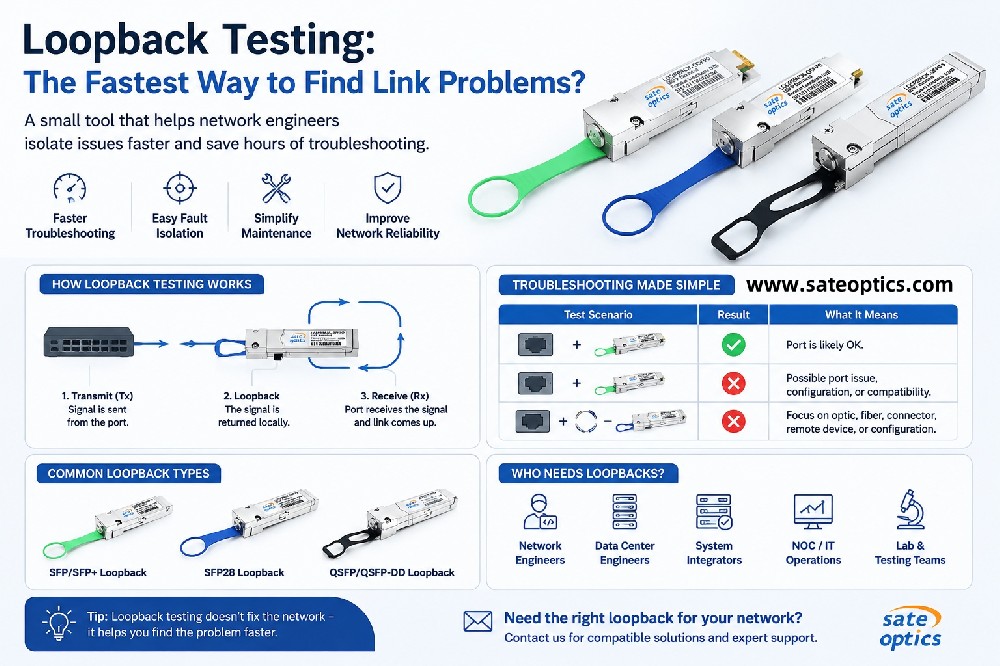
Simple Troubleshooting Steps
Try this quick checklist:
Reinsert the SFP module
Check system logs
Test another port
Try a known working module
Verify compatibility coding
Key Insight
👉 In real-world deployments,
most “not recognized” issues are caused by coding mismatch
Not the fiber. Not the hardware.
What to Read Next
If you are considering switching to compatible modules:
👉 Read this guide:
/blog/compatible-sfp-vs-original
FAQ
Q: Why does my SFP work in one switch but not another?
Because compatibility coding may differ between vendors.
Q: Is this issue hardware-related?
Usually not. Most cases are configuration or coding-related.
SFP not recognized, SFP not detected, fiber troubleshooting, SFP compatibility issue
Previous:What Is SFP Vendor Lock-In? A Simple Guide for Network Teams
Next:Compatible vs Original SFP: Can You Safely Use Third-Party Optics?